Uber and Bolt vehicle requirements in Poland: what to check before starting work
A suitable year of manufacture does not guarantee that a car will be approved for trips. Uber and Bolt check the model, category, documents and condition. Here is what to establish before buying or renting a taxi vehicle.
Check eligibility before buying a car
Ask the seller or rental company for the make, model, year of manufacture and registration details. Then check the car for your intended platform and category. Account for the city where you plan to accept bookings: service availability and model lists differ.
Approval by Bolt does not mean automatic approval by Uber, and access to a basic category does not guarantee Comfort or Black. Check each platform separately before paying a deposit or signing a contract.
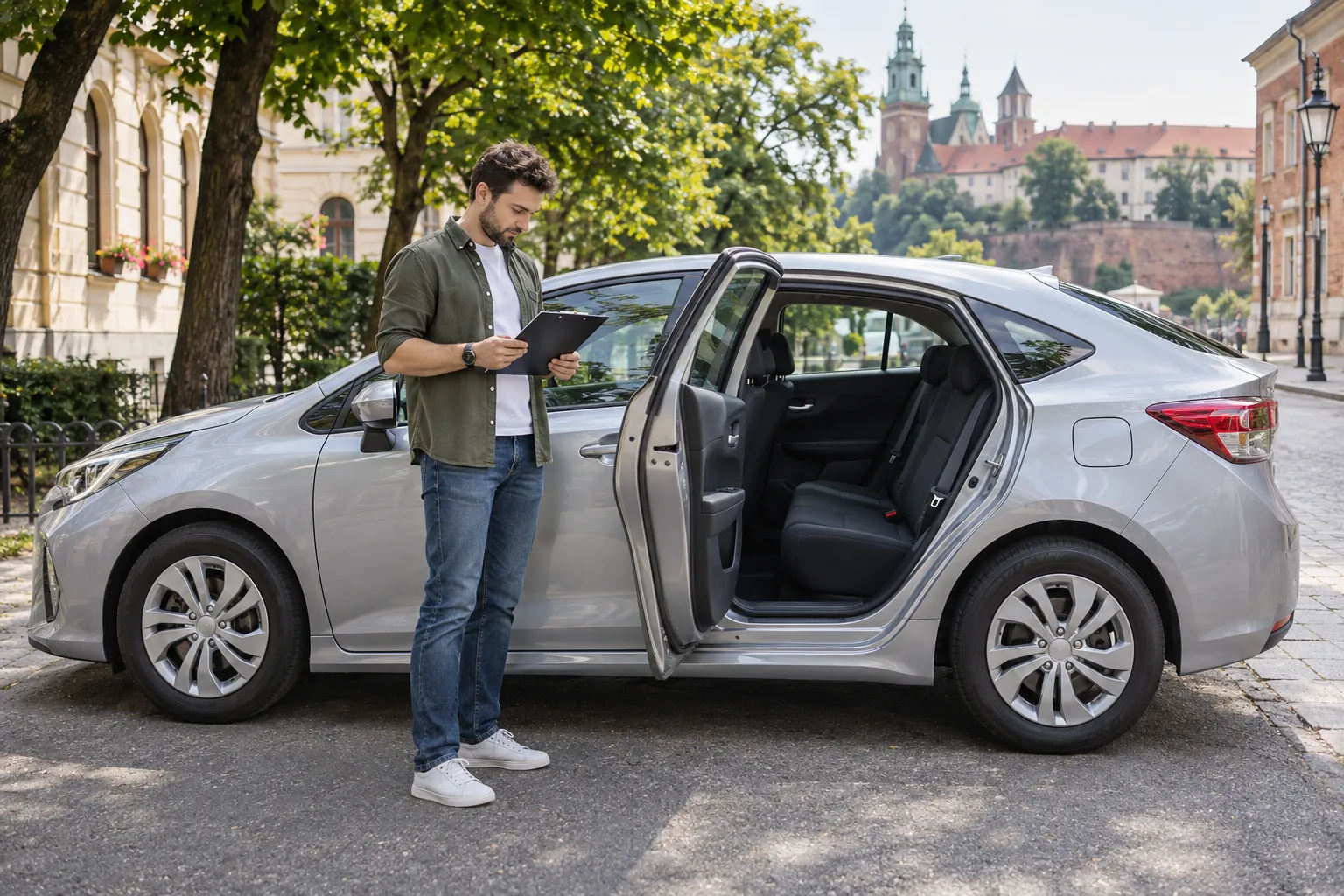
Doors, seats and vehicle condition
Uber’s basic Polish requirements include four or five doors, left-hand drive, at least five registered seats, EU registration, valid insurance and a current technical inspection. Bolt requires at least four doors and four passenger seats, third-party liability insurance (OC), and a roadworthy car without damage.
- Count seats correctly: five seats in total usually means the driver and four passengers.
- Inspect the body, seats, seatbelts and door mechanisms; check the lights and climate-control system.
- Assess passenger and luggage space, as well as interior cleanliness.
- Match the registration number and document details to the information you upload to the app.
Uber and Bolt categories: where requirements differ
The following pointers come from official platform pages checked on 7 November 2026. This is not a complete list of approval conditions. Before preparing the car, check the latest model lists and the requirements in your account.
| Category | Main reference point | Additional checks |
|---|---|---|
| UberX | Basic category; check the eligible year for the model and city | Local vehicle list and current restrictions |
| Uber Comfort | Manufactured in 2018 or later | Eligible model and additional driver conditions |
| Uber Black | Manufactured in 2020 or later; dark body colour | Model list, body-style and branding restrictions, driver requirements |
| Bolt | Car no older than 20 years | Vehicle condition and taxi documents |
| Bolt Comfort / Premium | Car no older than 10 years | Model on the relevant category list and quality criteria |
| Bolt Comfort Extra | Car no older than 7 years | Eligible model and additional category conditions |
| UberXL / Bolt XL | UberXL: at least 7 seats in total; Bolt XL: at least 6 passenger seats | Age, model and category availability in the city |
Do not apply a blanket “up to 20 years old” rule to every platform and category. Even within one make, different models and years can have different eligibility. For higher categories, platforms also consider whether the driver meets additional conditions.
Vehicle documents and taxi formalities
Working as a taxi through an app requires the transport formalities. Choosing the basic category does not remove the licensing requirement. When working through a partner, establish who arranges the licence and the extract for the specific vehicle.
- Vehicle registration certificate with the required taxi registration and a current technical inspection.
- Valid third-party liability insurance (OC); tell the insurer that the car will be used as a taxi.
- A taxi licence extract for the vehicle.
- Photos of the car, registration number and required municipal taxi markings, following the platform’s instructions.
This is the vehicle checklist. Drivers go through separate identity and document checks. Registering in an app alone does not replace preparing the car and obtaining approval.
Your own car or a rental: what to clarify
For your own car, estimate taxi preparation, insurance and maintenance costs in advance. Check eligibility for the intended category before investing: expensive equipment will not help if the platform does not accept the model.
For a rental, ask to see the documents and confirm which categories the specific car can access. Clarify servicing arrangements, damage liability, mileage limits and return conditions. The phrase “car for Uber and Bolt” alone does not confirm eligibility for every category.
Steps to prepare for passenger trips
- Collect the specific car’s details and choose the categories you need.
- Check the model and year against platform rules for your work location.
- Clarify taxi registration, insurance, technical inspection and the licence extract.
- Upload readable documents and photographs following each platform’s instructions.
- Wait for vehicle and driver approval, check the categories available in your account, and only then begin carrying passengers.
If an application is rejected, establish the exact reason first: an unreadable photo, mismatched details, expired document and ineligible model require different actions. Uploading the same files again without addressing the cause will not resolve it.
What to check after approval
Monitor document expiry dates, the car’s condition and platform notifications. If you change cars, register and obtain approval for the new vehicle separately. Use the car shown in your active profile.
Keep category confirmations and review the requirements before extending a rental or buying your next car. A higher-priced category alone does not guarantee more bookings or income: assess your costs and working conditions.
Official pages for checking a vehicle
Check current rules using these links. Select the relevant city on Uber’s model page; Bolt’s help page includes separate model lists for Comfort, Comfort Extra and Premium.